
Month: January 2026
American supermarket in Zaragoza
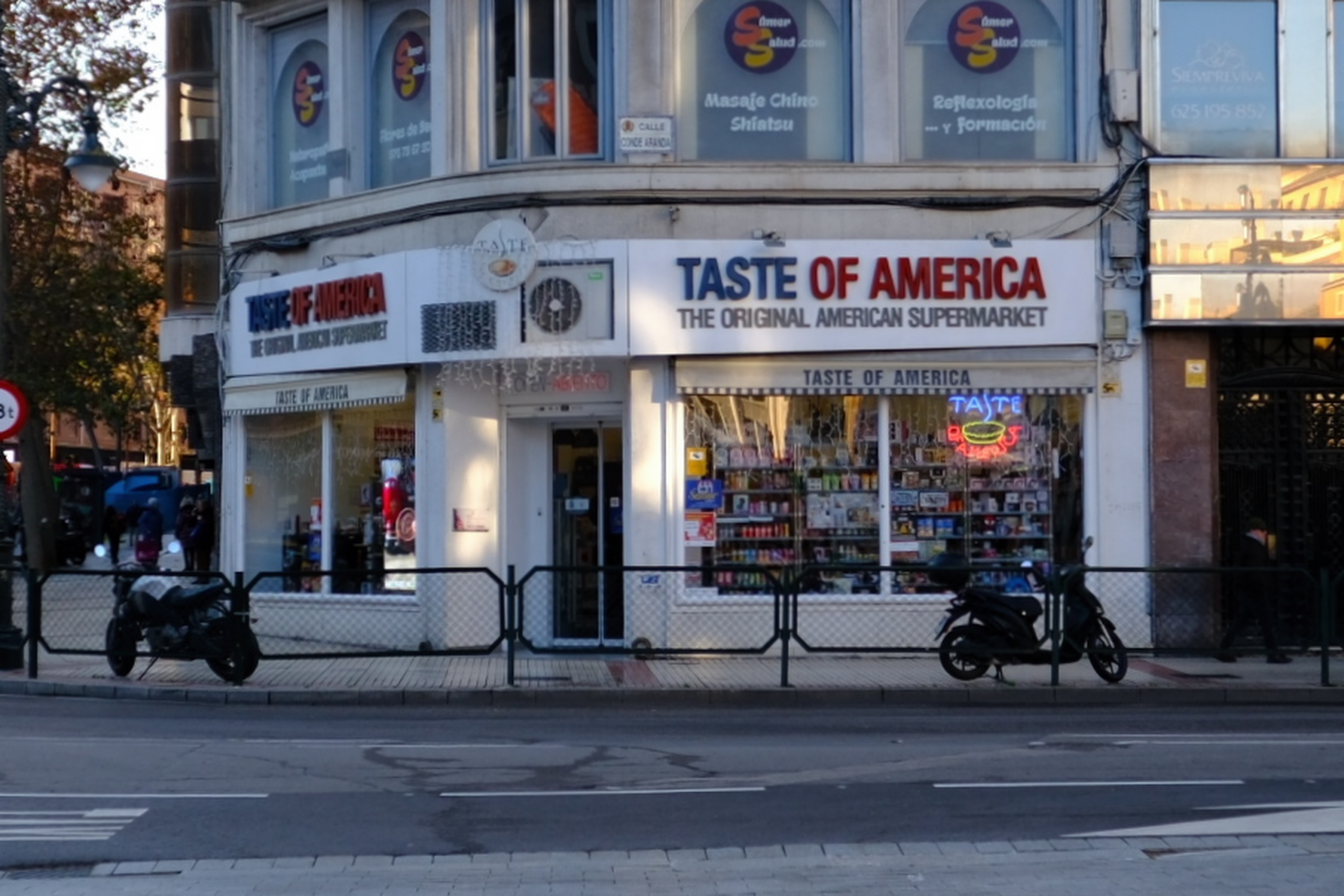
Very nice place. I bought an original Dr. Pepper!
Giving database exams in the age of AI
I teach college-level computer science and data engineering. Until about two years ago, I was happy to let my students use their laptops during the exams in our Introduction to Database course. I’d let them download an SQLite database from our Learning Management System (Moodle) and I was happy to let them use as many Internet resources as needed — or hopefully none! — to solve the various SQL questions I’d give them.
Starting last year that same approach was no longer feasible, since the students could ask their favorite LLM to solve their exam questions. Today the situation is even worse, since students can directly upload the binary-encoded SQLite files into their favorite LLM, making it far easier for the LLM to do the exam questions on their behalf.
To prevent students from using an LLM I’ve required they take their exams with the so-called Safe Exam Browser, a tool that runs on their laptop and only allows access to whitelisted Internet sites. But it doesn’t solve the problem completely, because students will need an IDE to access a database, students use a variety of IDEs, and the complexity is difficult for a teacher like me to manage.
So what is an instructor to do?
I came up with the following idea. I’ve created an HTML file that contains everything a student needs to write and execute SQL queries directly in their browser. No IDE is required; no database files need to be downloaded; and critically, there is nothing to upload to an LLM.
How It Works
The HTML file embeds the entire database schema and data as plain SQL statements. When a student opens the file in their browser, a JavaScript library called sql.js (a WebAssembly port of SQLite) creates an in-memory database and populates it by executing those embedded statements. The student sees a simple interface: a text area to write queries, an Execute button, and a results table. That’s it.
From the student’s perspective, they’re working with a real SQLite database. They can write SELECT statements, test JOINs, experiment with GROUP BY clauses; these are all the things they’d do in a traditional IDE. But from an exam security perspective, the database exists only inside the browser’s memory. There’s no file for students to extract and upload to Claude or ChatGPT.
Why This Solves the Problem
With the Safe Exam Browser, I simply whitelist the single HTML file (served from Moodle or any local server). Students open it, write their SQL, and they otherwise have no access to the Internet. The attack surface for LLM assistance is dramatically reduced:
- There’s no .db file to upload to an AI
- Copy-pasting the entire HTML source would include thousands of lines of boilerplate, i.e. far more friction than a simple file upload
- The student would need to manually extract and reconstruct the schema, which takes time they don’t have during a timed exam
Is it foolproof? No. A determined cheater could still copy the visible schema and some sample data into an LLM prompt. But we’ve moved from “trivially easy” to “annoying enough that studying is easier.” And in exam security, that’s often good enough.
Practical Benefits
Beyond security, this approach has made my life simpler:
- No IDE configuration: I don’t need to support DBeaver, DataGrip, VS Code extensions, or command-line SQLite across Windows, Mac, and Linux.
- Instant setup: Students open a file and start working. No connection strings, no driver issues, no “it works on my machine” problems.
- Easy customization: I can create different database scenarios for different exam versions by simply generating new HTML files.
- Offline capable: Once loaded, the tool works without any network connection.
Creating Your Own
The technical implementation is straightforward. The HTML file loads sql.js from a CDN, then executes a block of CREATE TABLE and INSERT statements to build the database:

If you already have a SQLite database, a simple Python script can extract the schema and data as SQL statements. I’ve made my template available at [SQL Exam Tool] for other instructors to adapt.

Conclusion
The LLM revolution has forced us to rethink assessment, and that’s not entirely a bad thing. This browser-based approach won’t work for every database course: students still need experience with real tools and real databases. But for controlled assessments where I need to verify that the student understands SQL, not their AI assistant, this simple HTML file has proven remarkably effective.
Sometimes the best solutions aren’t sophisticated. They’re just annoying enough to close the easy loopholes.
Córdoba Plaque
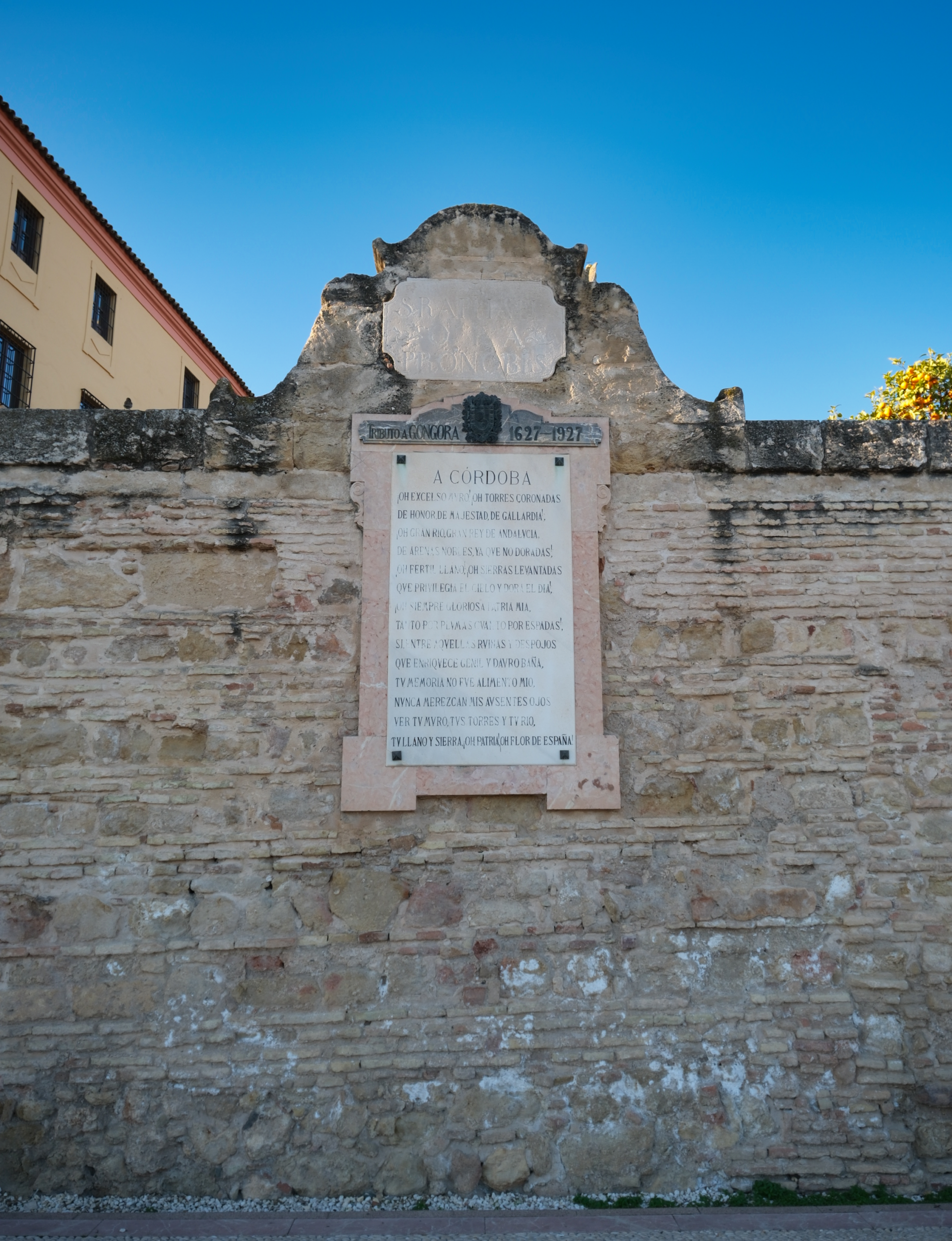
A sonnet by Luis de Góngora y Argote (1561–1627), one of the great poets of the Spanish Golden Age and a native of Córdoba. The city places this poem on several buildings as a kind of literary homage:
Spanish coast

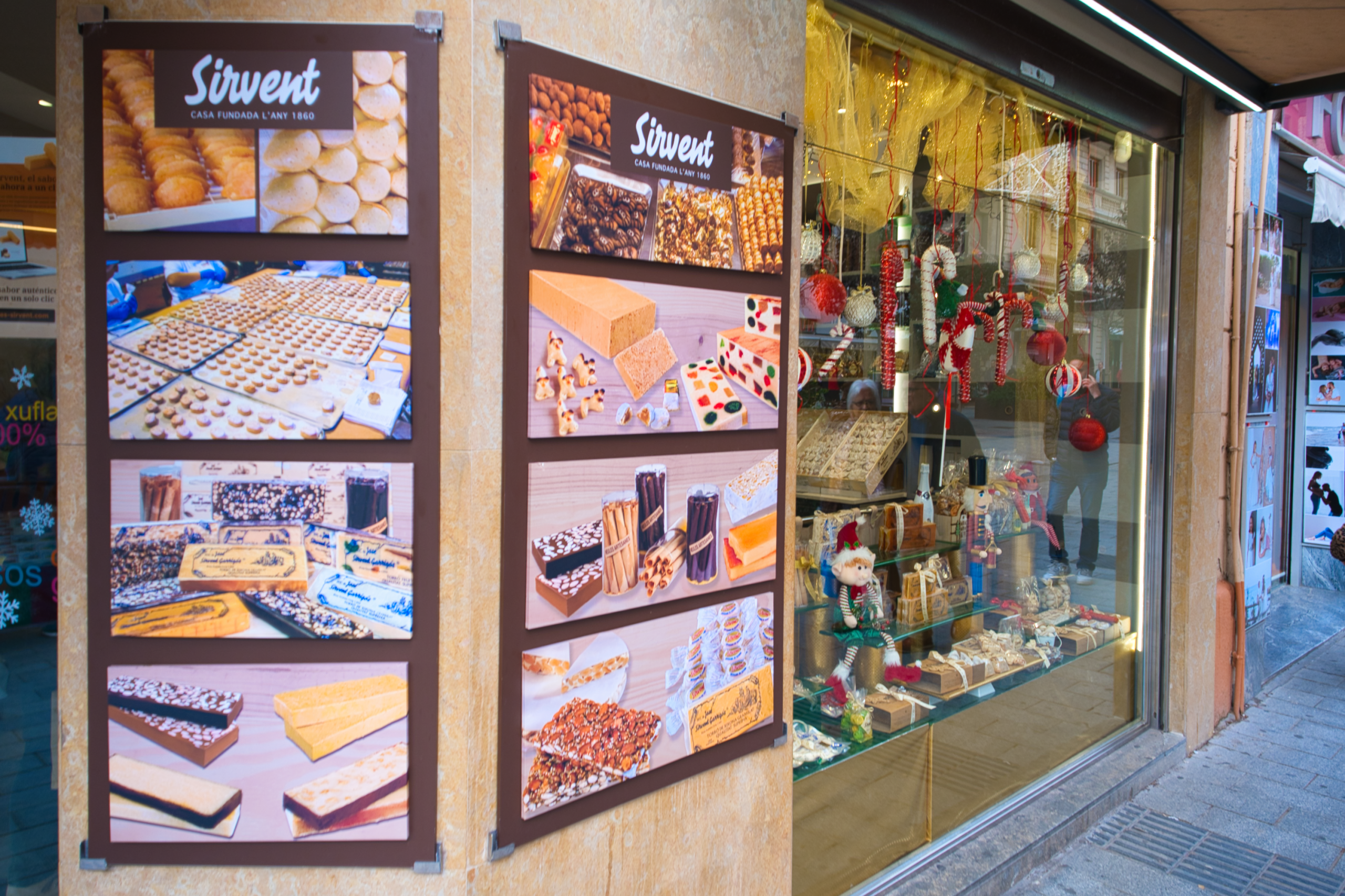
Turrónes in Terragona
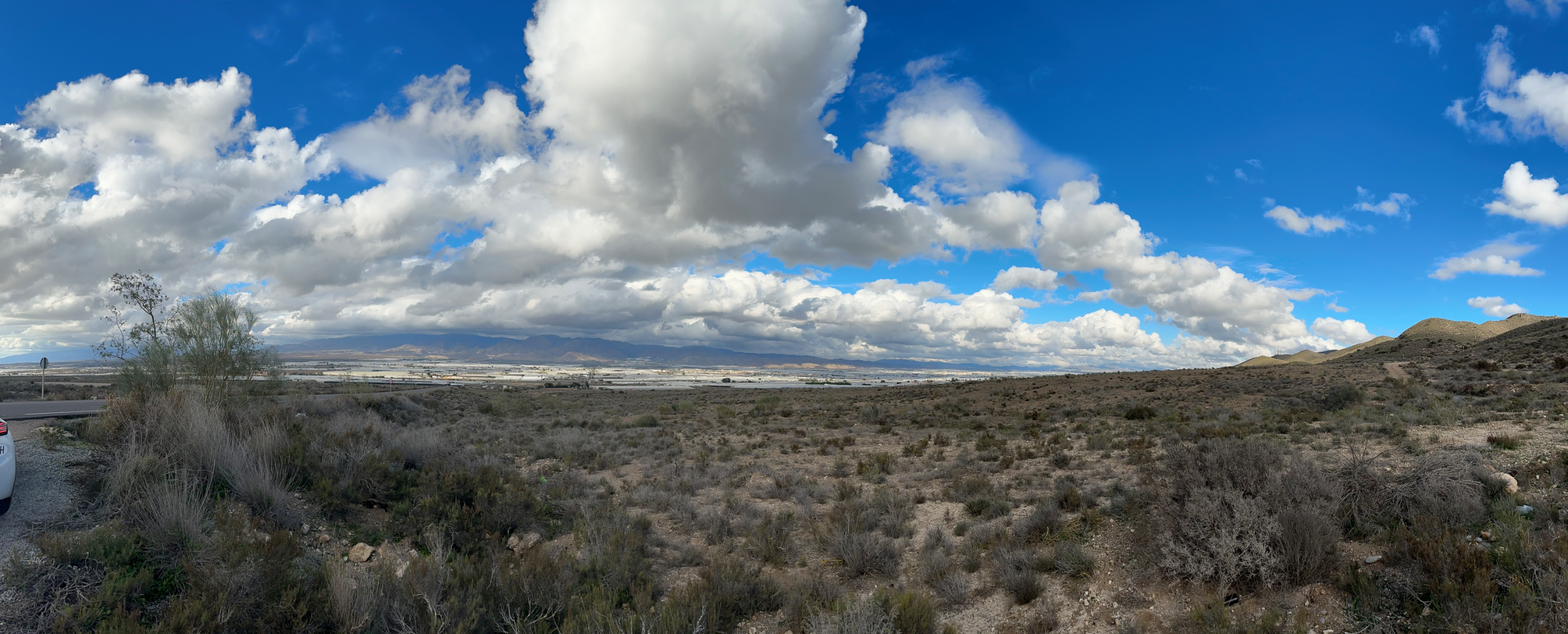
Deep in the Spanish desert
I took this snap just outside of Los Albaricoques in Almeria, Spain:
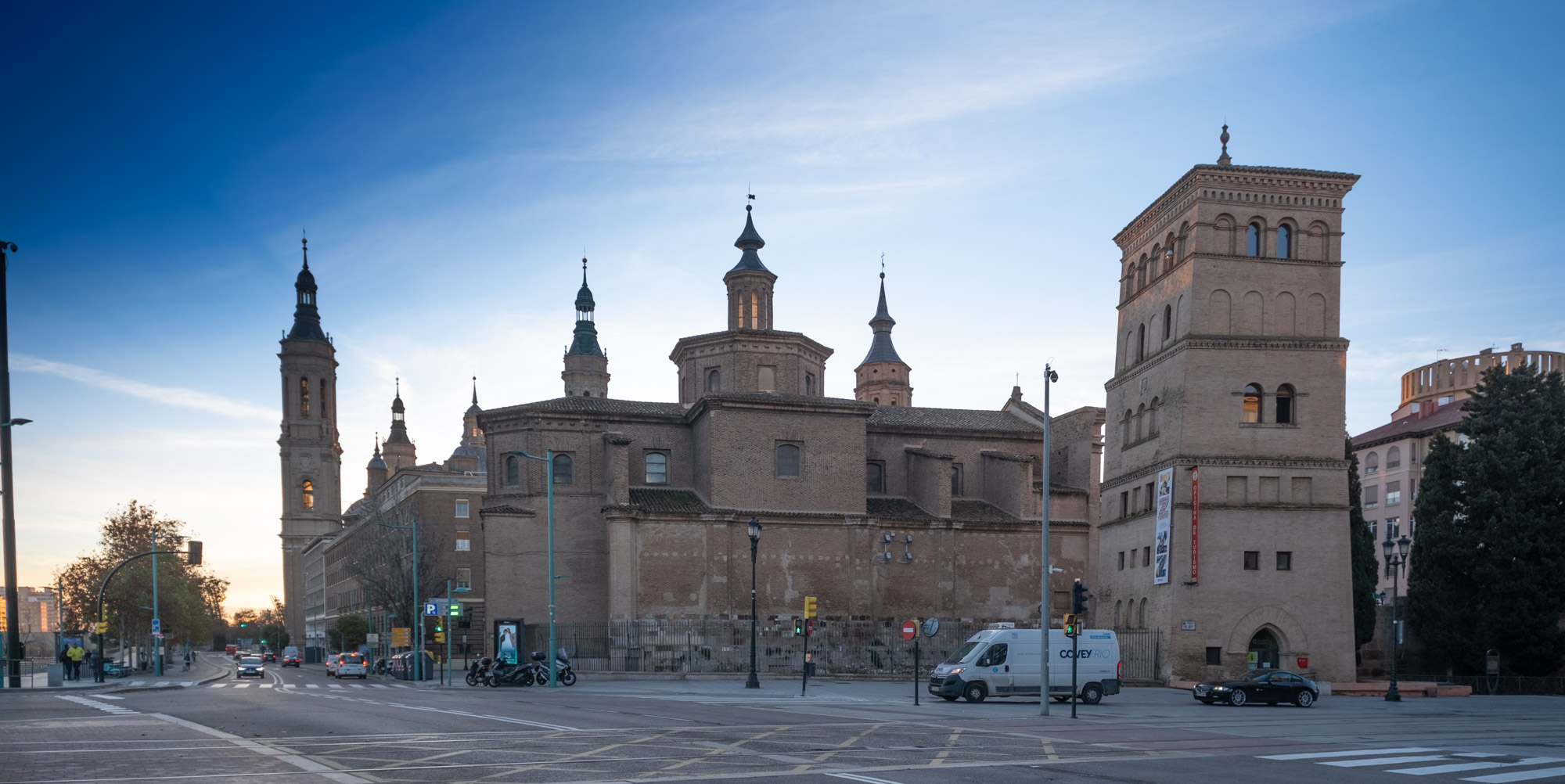
Cathedral-Basilica of Our Lady of the Pillar
The large tower to the right is the Torreón de la Zuda,
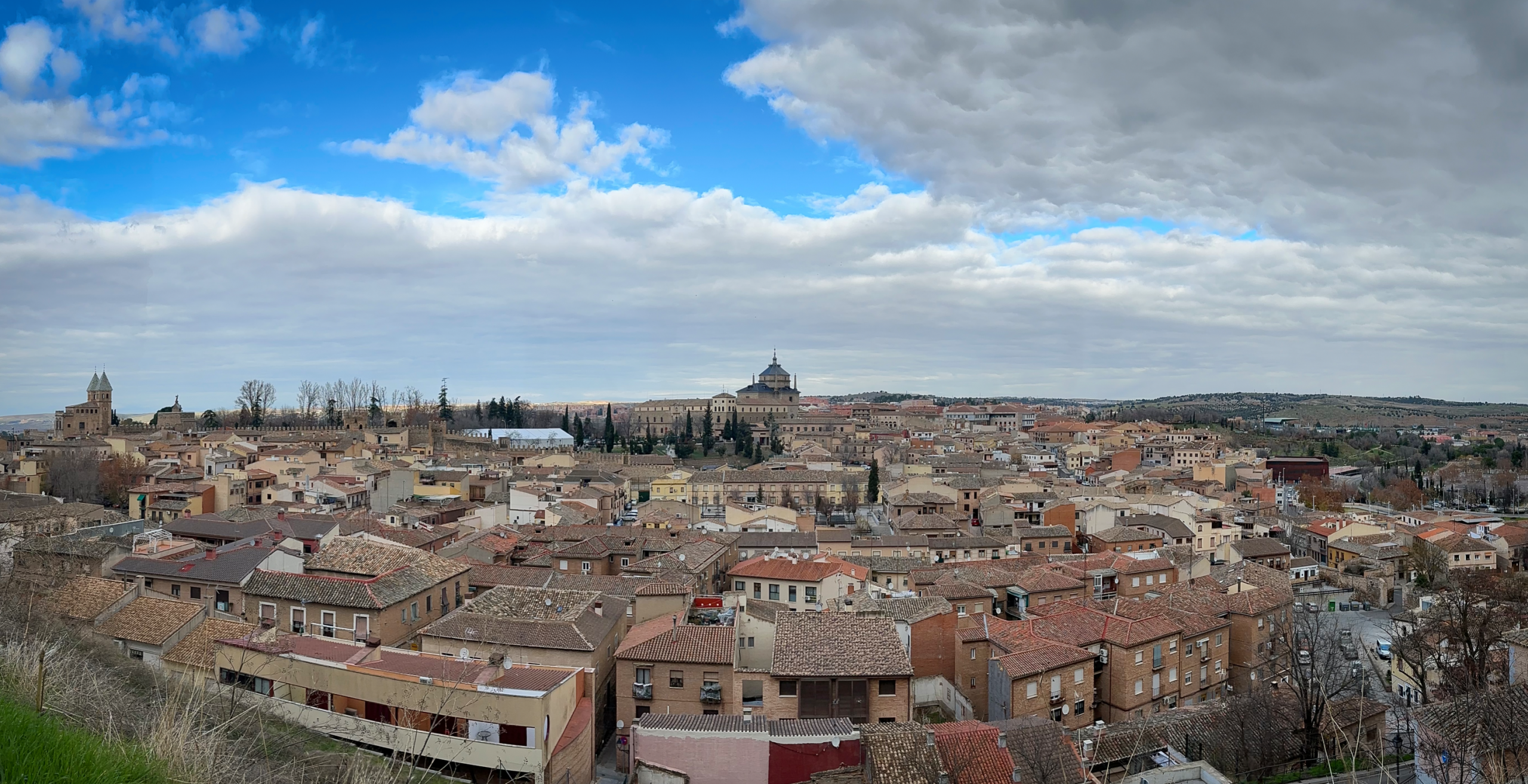
Toledo
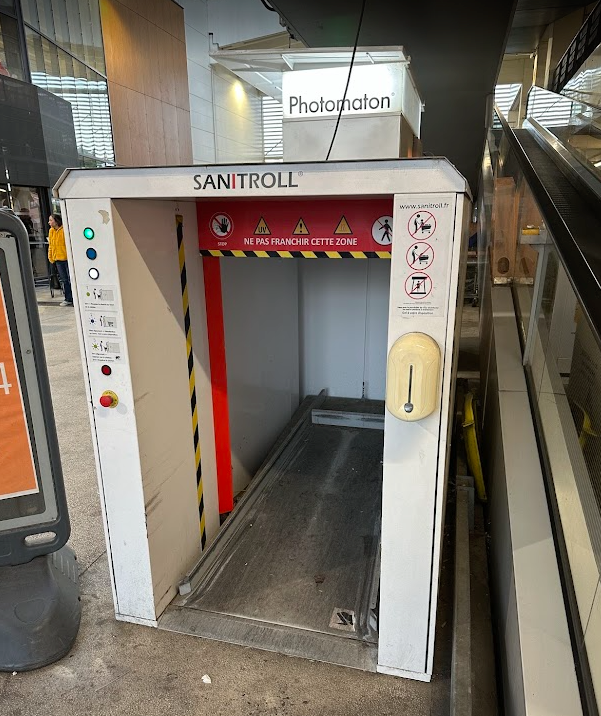
Keeping shopping carts clean
I spotted this at a L’Eclerc supermarket near Annecy, France. Open for use to the public – just pick your favorite shopping cart, wheel it in their, press the button – and presto! Sanitized! At least I assume so . . . I never actually tried it. Wanted something for my bucket list and the next time I visit.
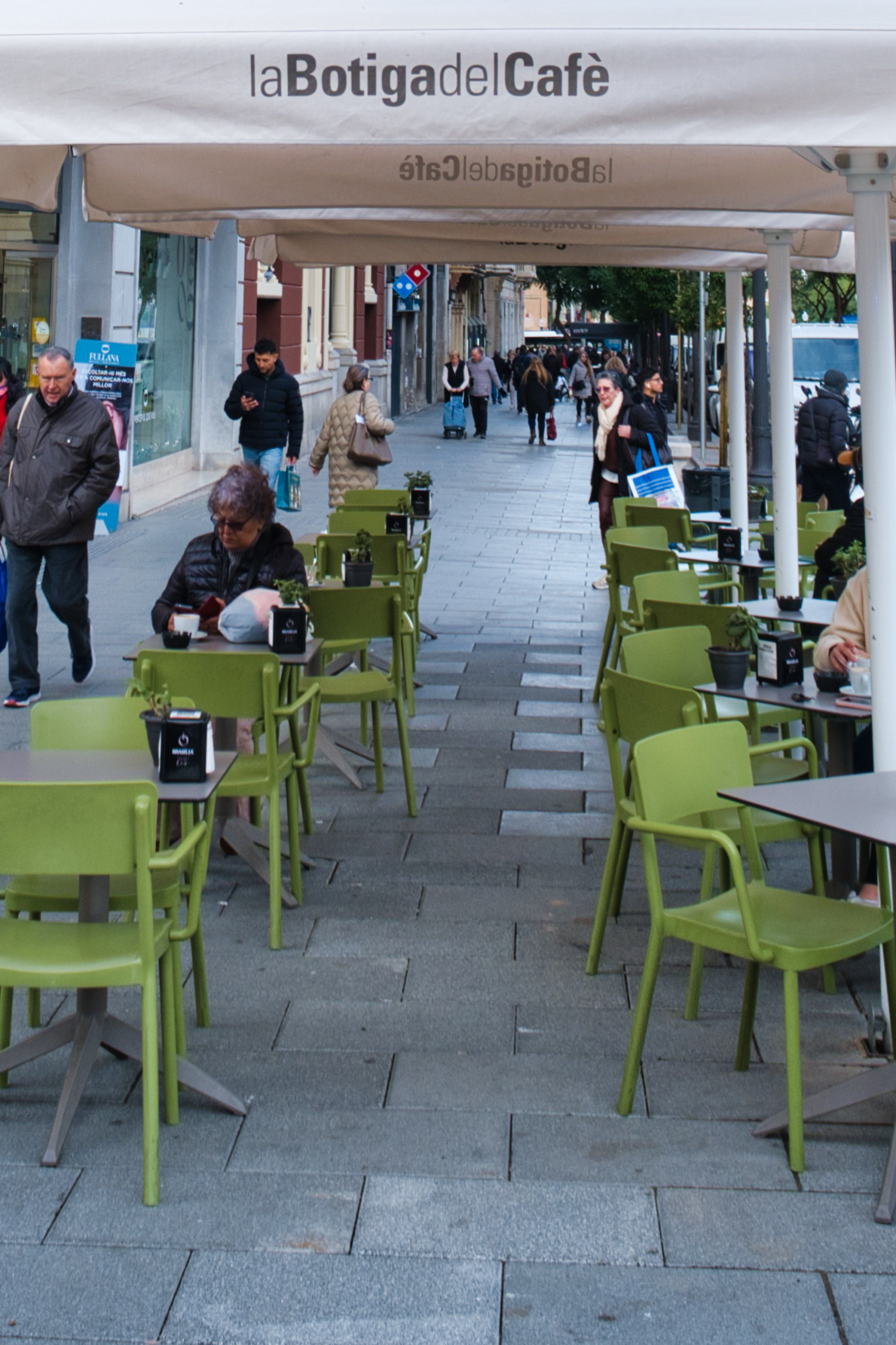
Terragona Street Café
At the top of Las Ramblas, in Terragona:
Tour de refroidissement hyperbolique pour réacteurs nucléaires

The hidden artistic beauty of motels
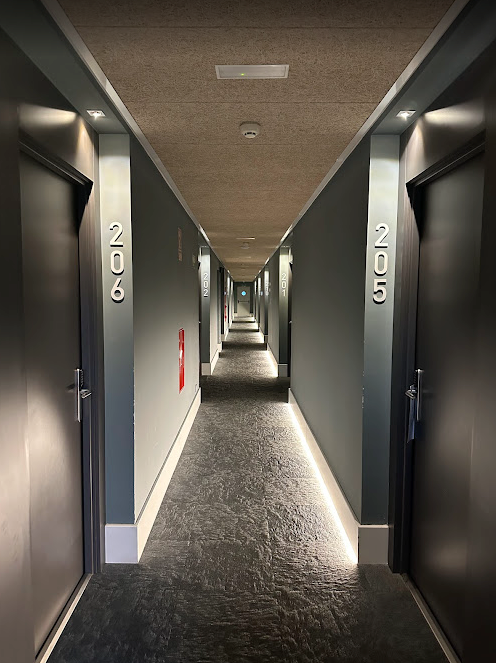
People really never stop to think about motels very much, but as this snap shows they can have some stunning artistic qualities!
Lake Geneva from Montreux

Then and Now – Spaghetti Westerns
Somewhere deep in the deserts of Spain scenes like this were filmed,
Here, Lee Van Cleef was very upset and probably wanted to kill someone.
Today, the situation is hardly any different,
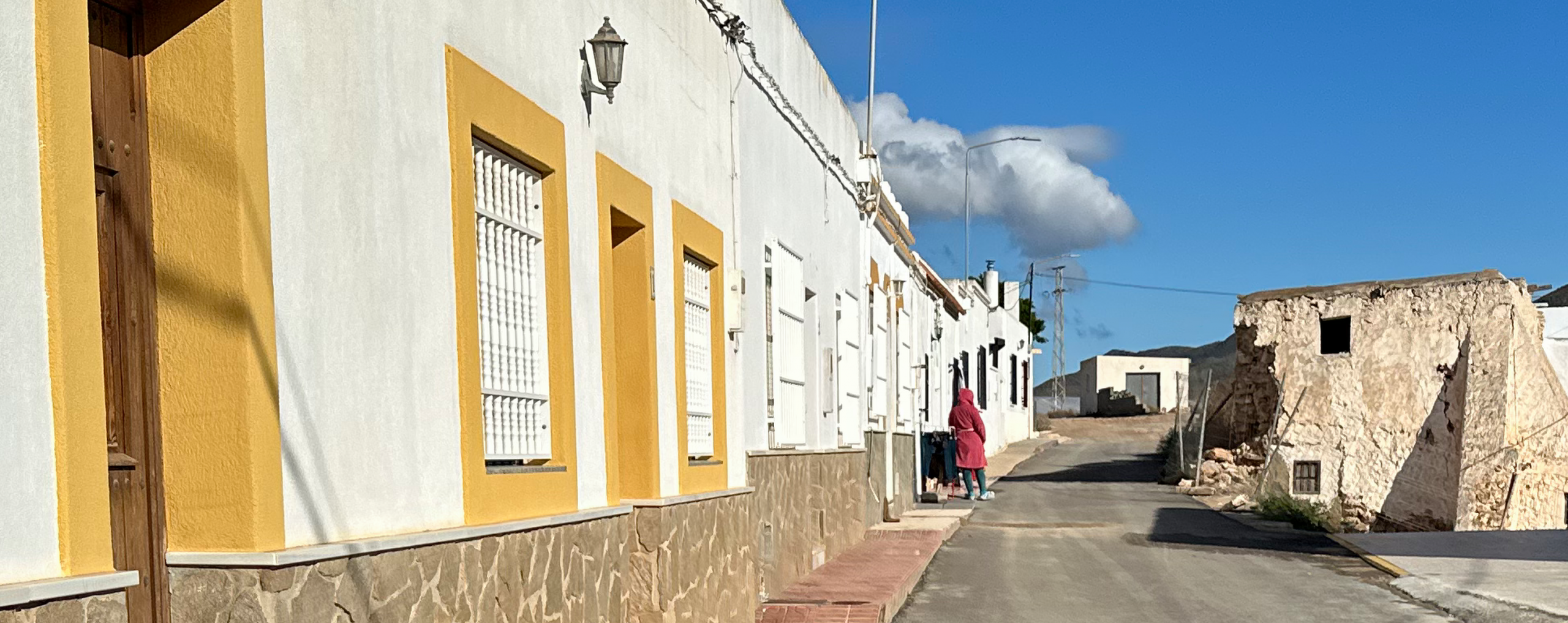
I took this snap on the “down low” because the Spanish lady who was drying her clothes SNARLED at me as I walked by.
Sadly, as far as I can tell, the residents of Los Albaricoques in Spain are NOT happy to have tourists in their town. It is a small town – and a poor one, by the looks of the infrastructure and tremendous trash all over the village. Oddly, there are new signs directing tourists to the key points where scenes in movies were shot. But I could see no benefits to the tourists, except for the many disruptions and “gawkers” this brought into their lives.
Centre Boujean